Found on the network
The app scans the local network and recognises the model of each device.

Our product
KVM Client shows another computer’s screen and sends it keyboard and mouse input through an open-source IP-KVM — JetKVM, PicoKVM, PiKVM, NanoKVM, TinyPilot — from BIOS to desktop. Free and open source, on Mac, iPhone and iPad.
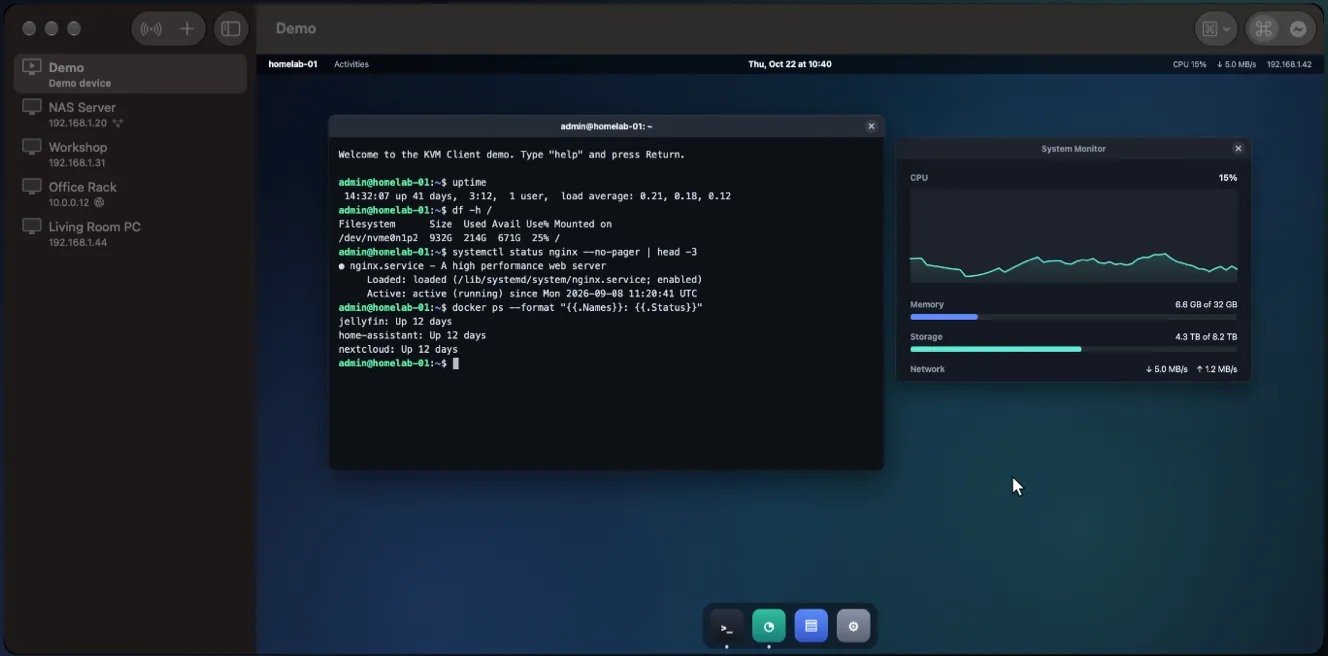
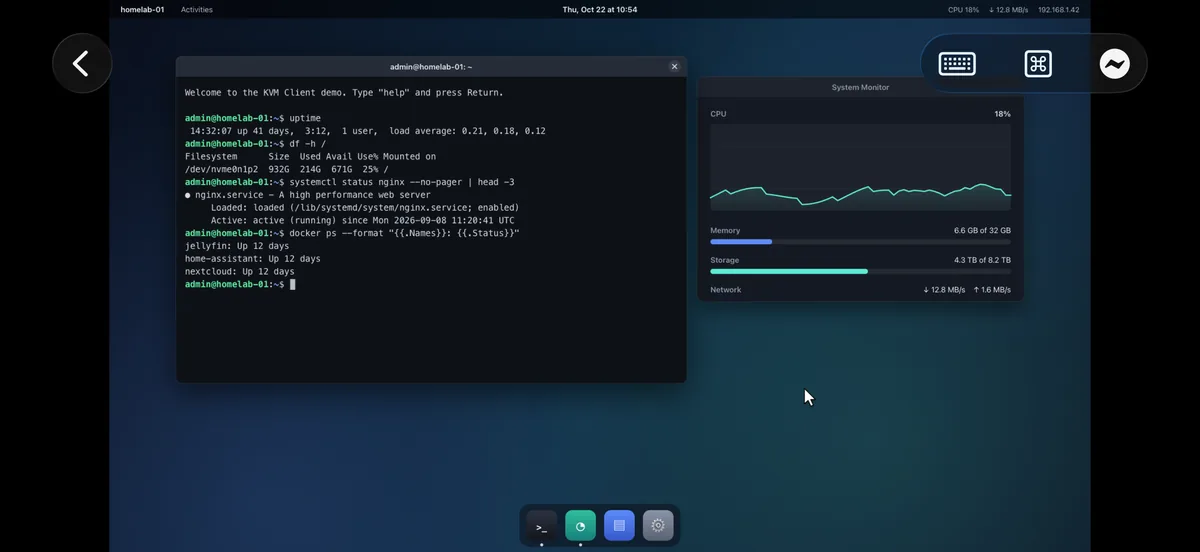
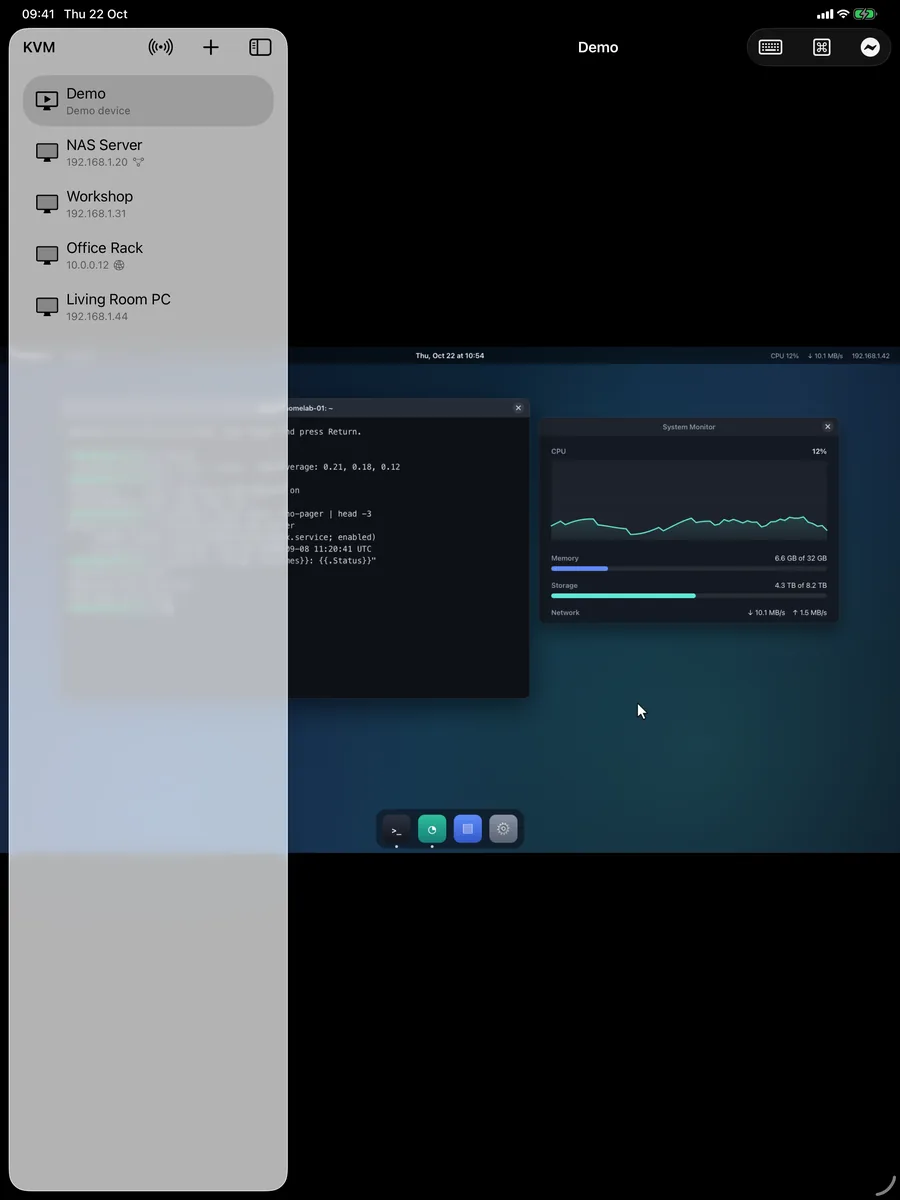
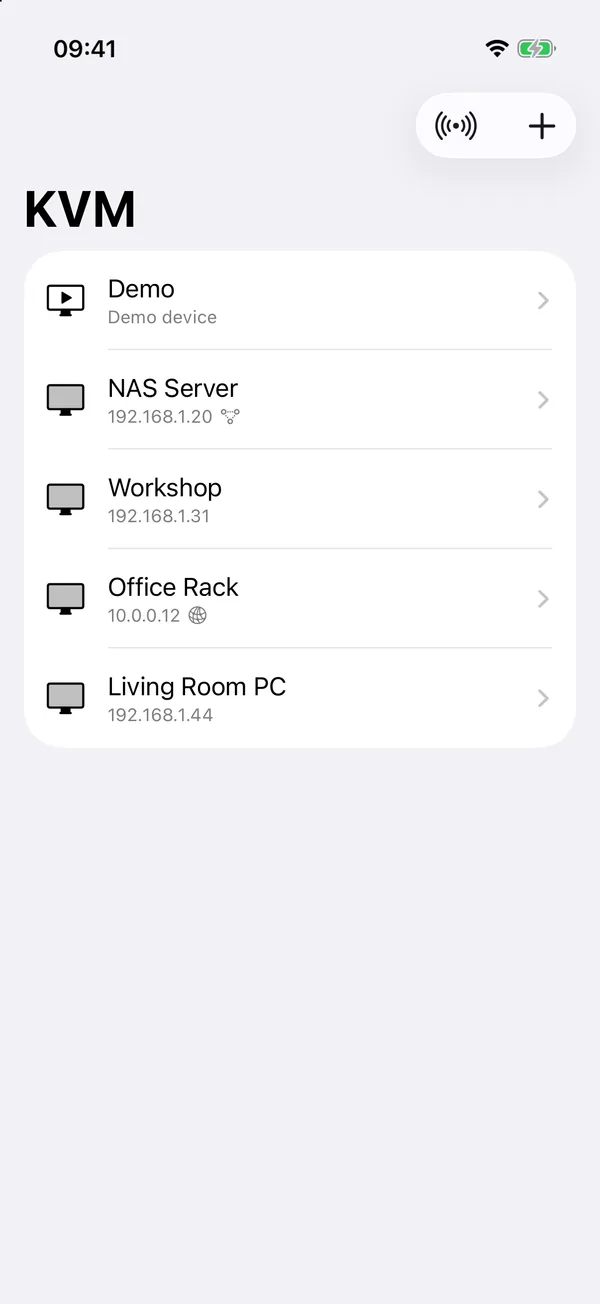
Each IP-KVM has its own web interface and protocol. KVM Client brings them together in a native app, which finds the device on the network and speaks to each one in its own language.
The app scans the local network and recognises the model of each device.
Local network, Tailscale or ZeroTier: the addresses are tried in parallel, and the first to respond wins.
Pasted text is typed on the remote computer, keystroke by keystroke, in 21 PC keyboard layouts.
The window keeps the remote screen’s proportions, minus the toolbars.
WebRTC and JSON-RPC for JetKVM and PicoKVM, kvmd and Janus for PiKVM, binary HID reports for NanoKVM, Socket.IO for TinyPilot, with an MJPEG fallback.
An H.264 parser written for the app turns the stream into samples that the system decodes and displays without going through the CPU.
None of these devices announces itself on the network: the app probes each address’s web ports, then recognises the model from its response.
Even inside the Mac App Store sandbox, ⌘Tab goes to the remote computer when its screen has focus.
Swift and SwiftUI, with WebRTC as the only external library. Passwords in the Keychain, self-signed certificates accepted device by device.
Describe what you need in a few lines, or book a slot directly. We reply within two working days.