Works with your KVMs
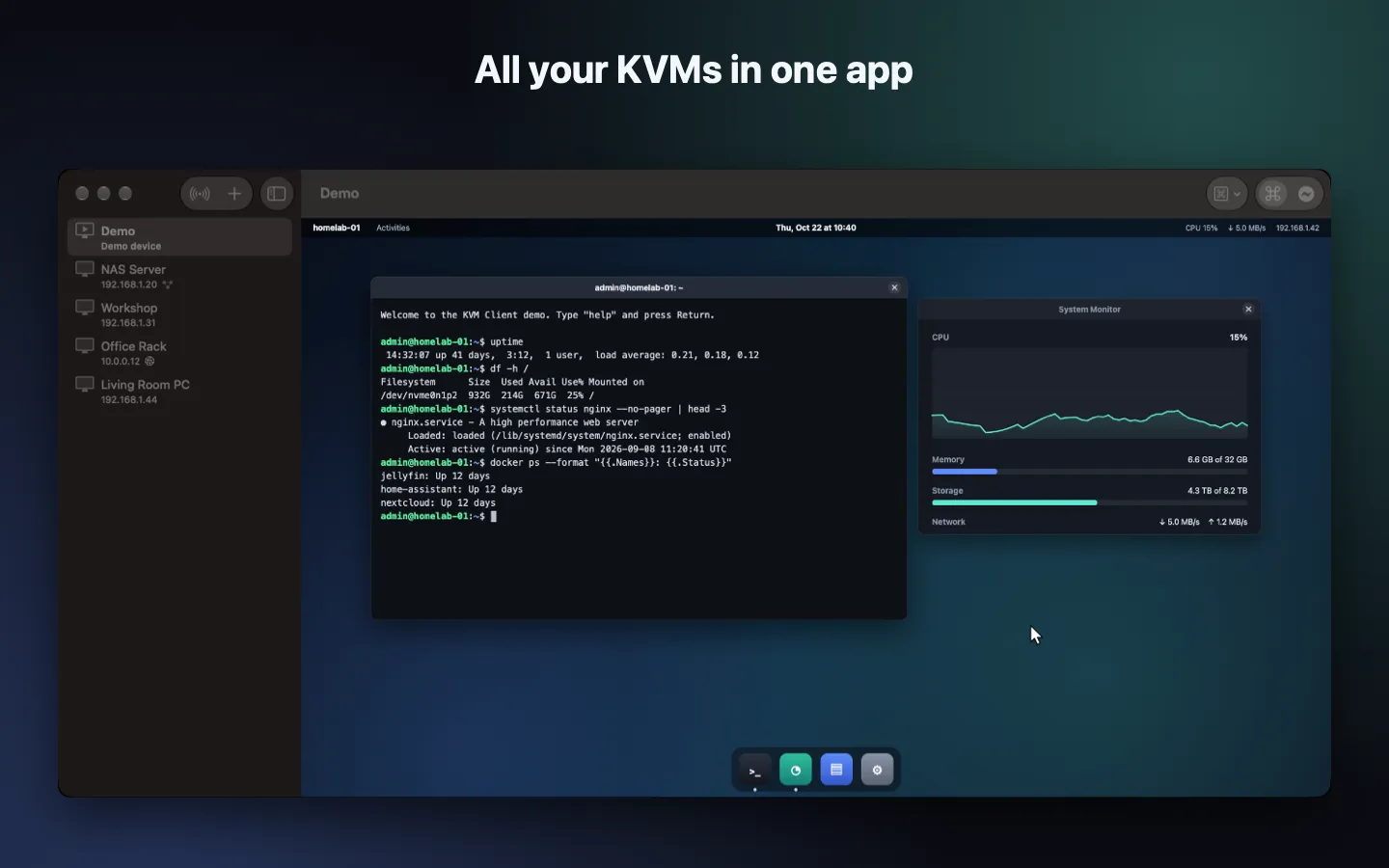
Luckfox PicoKVM and JetKVM; PiKVM, BliKVM and Geekworm KVMs; Sipeed NanoKVM and NanoKVM-Pro; TinyPilot. The device type is recognized automatically, and Search the Network finds your KVMs for you.

Mac, iPhone and iPad app
Remote screen for your IP-KVM.
KVM Client is a fast, fully native app for open-source IP-KVMs. See the screen of another computer and use its keyboard and mouse from your iPhone, iPad or Mac — from power-on and BIOS to the desktop.
Free, open source under the MIT license. Available in English and French. macOS 14, iOS and iPadOS 17 or later.
Luckfox PicoKVM and JetKVM; PiKVM, BliKVM and Geekworm KVMs; Sipeed NanoKVM and NanoKVM-Pro; TinyPilot. The device type is recognized automatically, and Search the Network finds your KVMs for you.
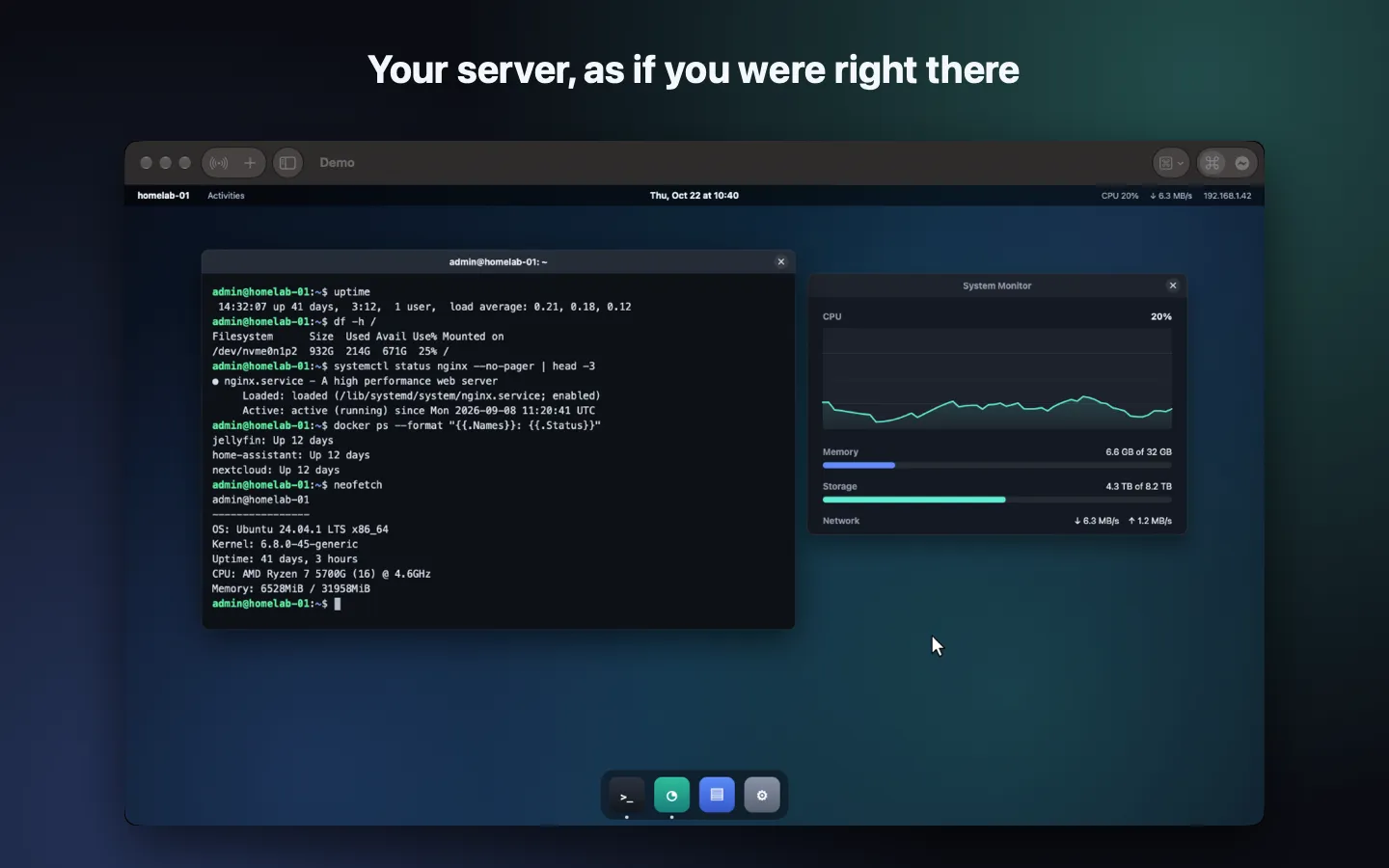
Hardware-decoded video over WebRTC, H.264 or MJPEG. On the Mac, the window takes the exact shape of the remote screen; the pointer stays mapped to the real picture, even when zoomed.
On the Mac, ⌘Tab, ⌘Q and friends go to the remote computer, not to macOS. Keys are positional: the remote computer keeps its own layout (AZERTY, QWERTZ…). Ctrl+Alt+Del is one click away.
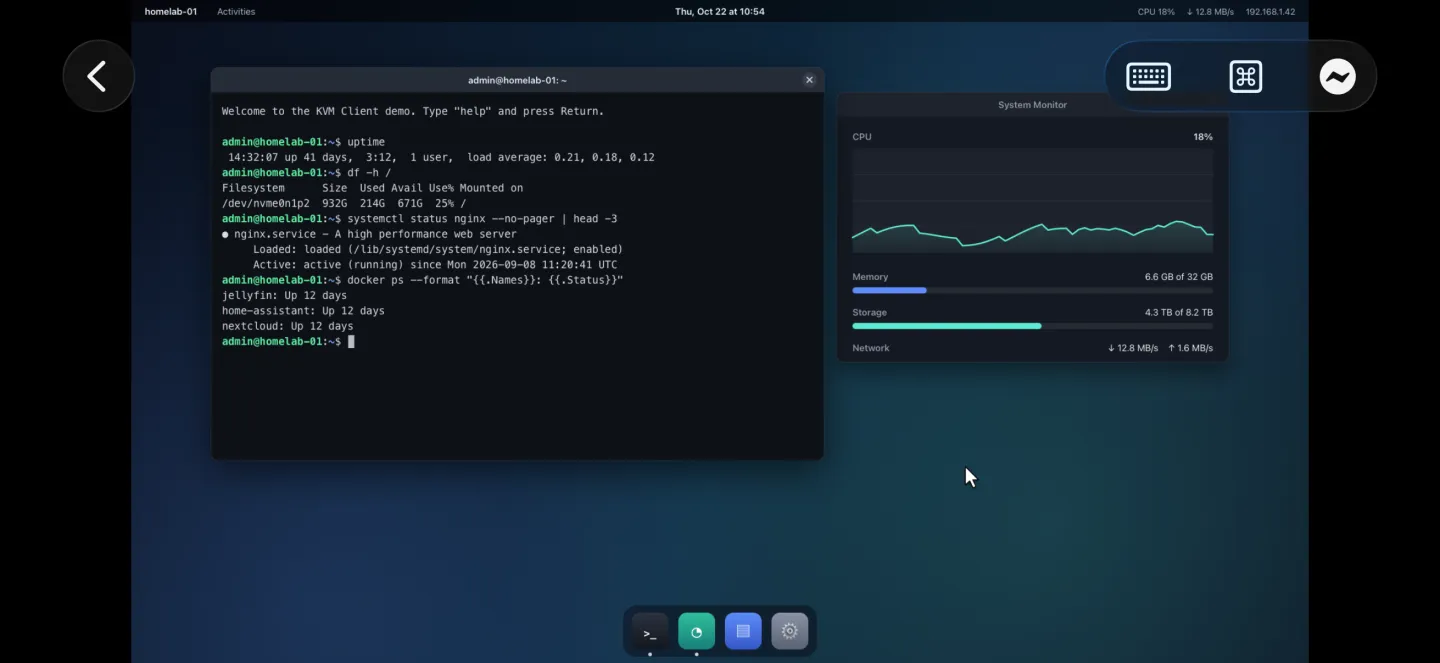
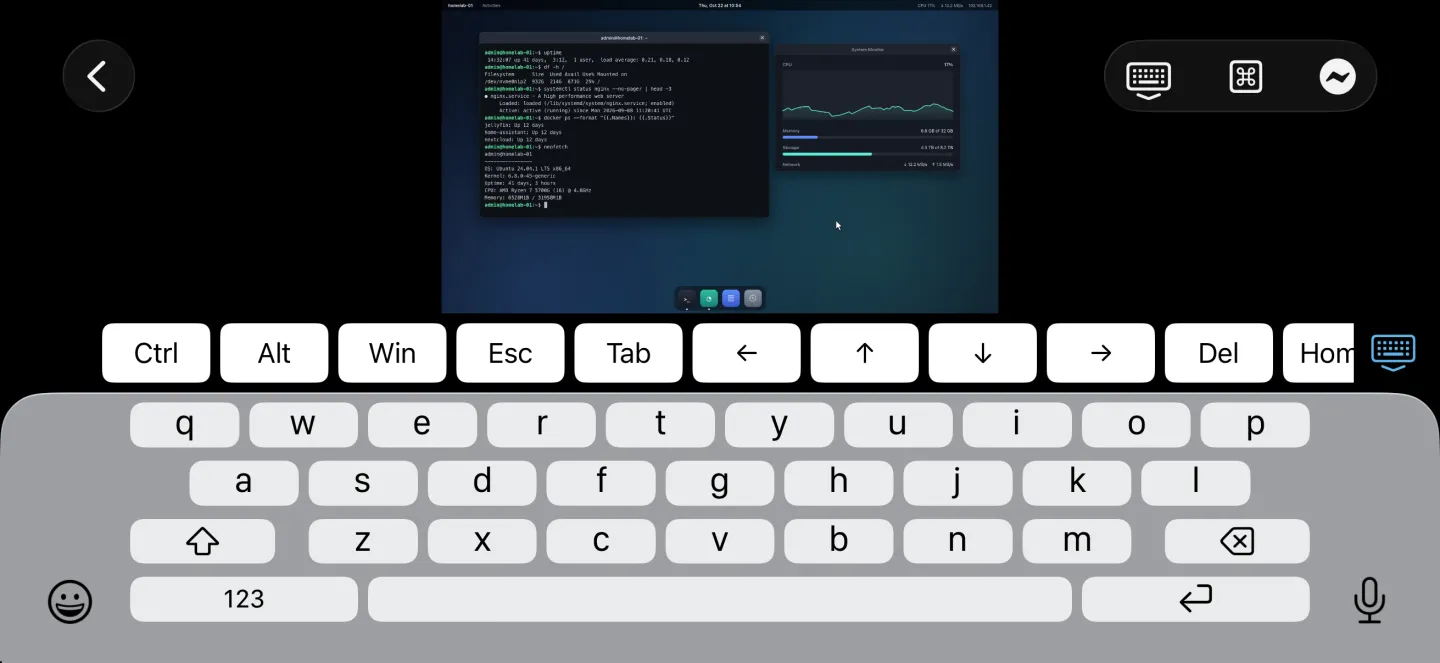
Drag to scroll, pinch to zoom up to 6×, two-finger tap to right-click. A virtual keyboard with Esc, Tab, sticky Ctrl/Alt/Win, arrows and F1–F12. Hardware keyboards and iPad trackpads work natively.
Tailscale and ZeroTier addresses are learned from the device and tried automatically: the local network first, then your overlay networks.
Pasted text is typed on the remote computer, keystroke by keystroke, in 20 PC keyboard layouts.
No KVM at hand? Try the Demo adds a simulated device you can type into and click around.
No account, no tracking, no data collected. The app connects directly to your KVMs: video, keyboard and mouse never go through a server of ours. Passwords stay in the Keychain.
An IP-KVM device is required. KVM Client is not affiliated with the makers of the devices above; their trademarks belong to their owners.